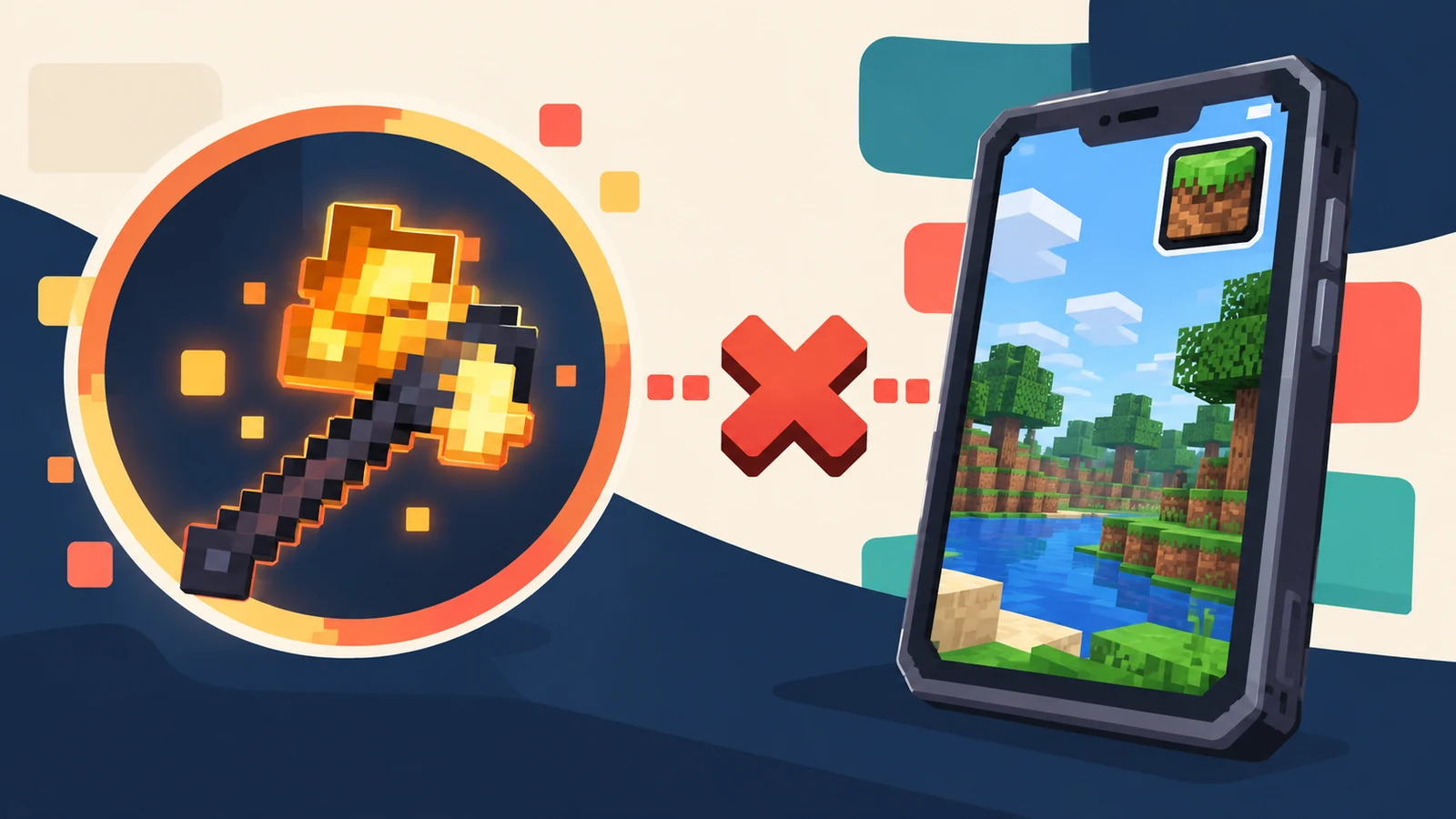
“Minecraft PE” usually refers to the Bedrock/mobile edition, while the mod-loader file discussed by Simply Swords guides is part of the Java modding ecosystem. The two systems do not use the same package or installation method.
Why a Java mod file will not install as a Bedrock add-on
Java Edition mod loaders and Bedrock add-ons use different runtimes, file structures and APIs. Copying a Java mod file into a Bedrock folder does not convert it into a Bedrock add-on.
Avoid misleading “PE download” labels
If a file claims to be a direct mobile port, verify exactly what format it uses and whether it is an independent project. Do not assume it is the same mod simply because it shares a similar name or visual theme.
What mobile players should check
Confirm the edition shown in your launcher, the expected add-on format, the game version and whether the content is designed specifically for Bedrock. Keep world backups before adding new content.
Keeping the two ecosystems separate
Use Java-oriented instructions only for Java profiles with a compatible mod loader. Use Bedrock-specific add-on instructions for mobile, console and Bedrock-based desktop installations.
If your goal is simply to use fantasy weapons on mobile, evaluate the Bedrock add-on on its own terms. Check its source, version support and installation instructions rather than assuming Java-specific recipes, effects or dependencies will carry across unchanged.
Be cautious with pages that promise a direct conversion without explaining the platform, file type or author. A visual recreation for Bedrock can exist as a separate project, but that does not make it the same file or the same implementation as the Java mod.
Avoid risky conversion claims
For Java Edition, follow loader and mods-folder instructions. For Bedrock or mobile, follow the add-on workflow appropriate to that edition. Keeping those instructions separate makes it much easier to recognize when a guide is talking about a different ecosystem.
Use edition-specific instructions
Before downloading anything described as a mobile version, check whether it is actually an independent Bedrock add-on rather than the Java mod. Similar naming can create confusion, especially when a page uses screenshots or weapon names without clearly identifying the platform.
Java Edition mod-loader files and Bedrock or mobile add-ons use different systems. Renaming a Java mod file, moving it into a mobile folder or following a tutorial for another edition does not convert it into a Bedrock-compatible package. Compatibility begins with the edition of Minecraft, not only with the mod name.
Recognize the file-format difference
Mobile players should also be careful with videos or posts that reuse Java screenshots while offering an unrelated download. Treat the file type and platform instructions as more important than the thumbnail or title.
The quickest platform check is the game edition named by the launcher or store. If the guide talks about Java mod loaders, a mods folder and Java archive files, it is describing Java Edition. If it talks about Bedrock add-ons, behavior packs or resource packs, it is a different installation path. Mixing those instructions usually leads to missing files or folders that do not exist on the device.
Check the edition before following any tutorial
Next steps
Return to the full Simply Swords Mod guide library for more version, loader and troubleshooting articles, or use the homepage installation and FAQ sections for a quick checklist.