Unique weapons
Use version-aware checks to identify the special weapons available in your installed build.
Simply Swords Mod adds unique swords, powerful abilities, and exciting combat options to Minecraft for a more diverse adventure. #simplyswordsmod
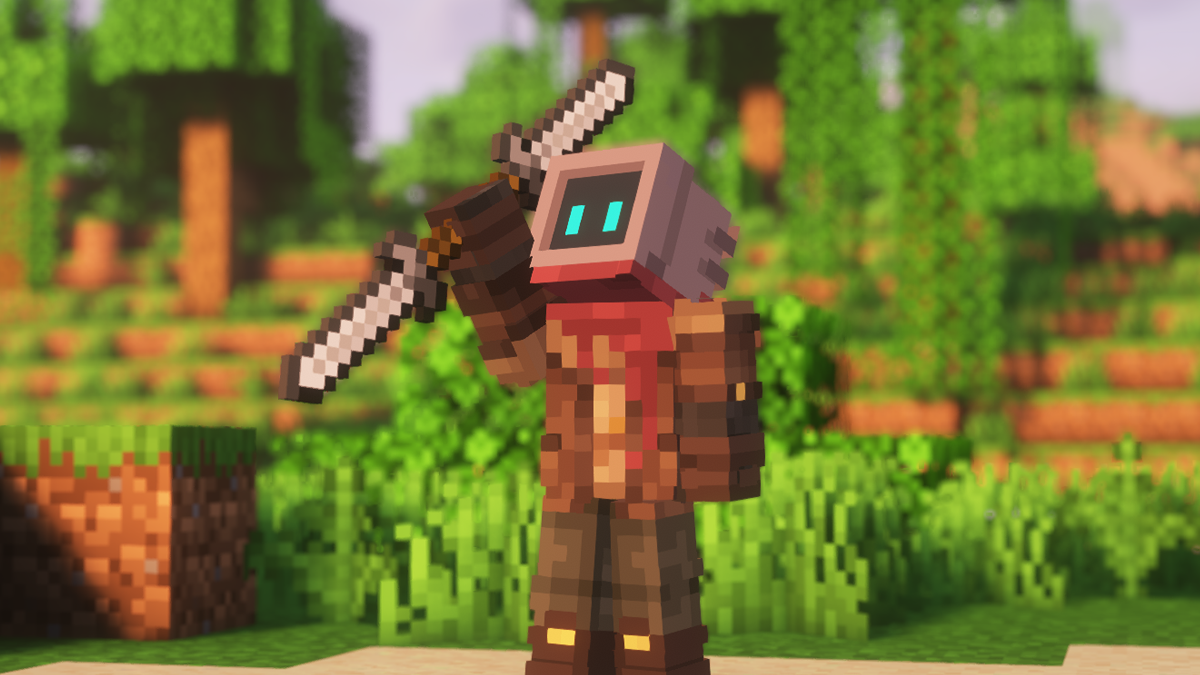
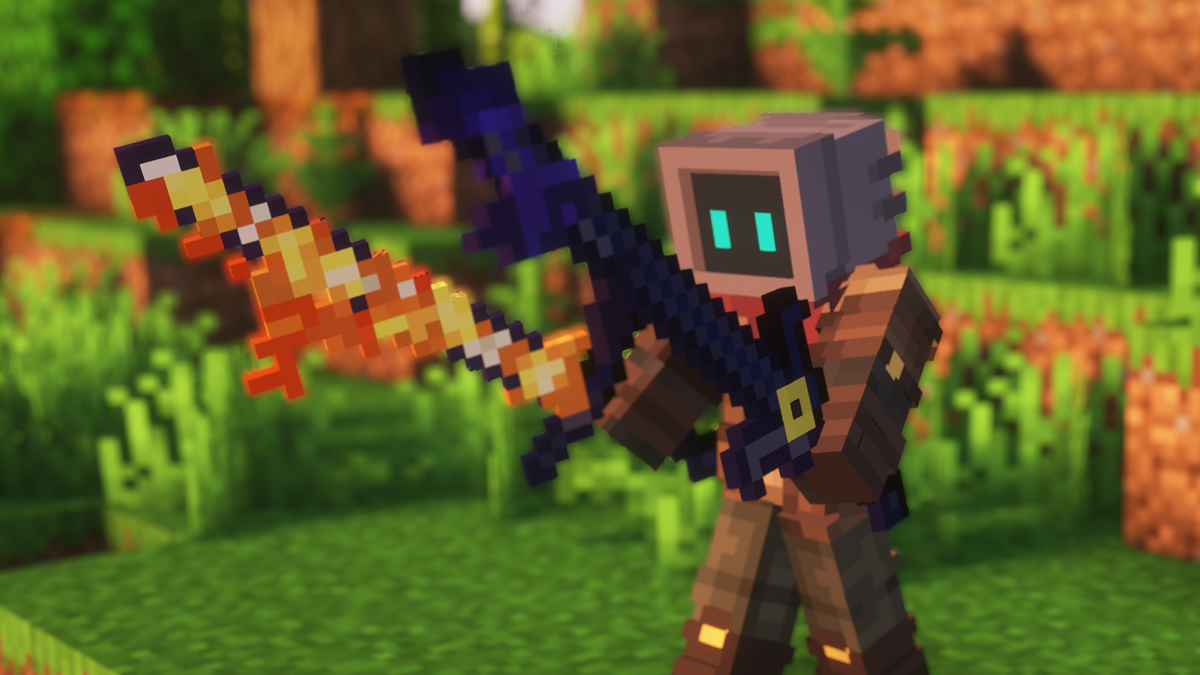
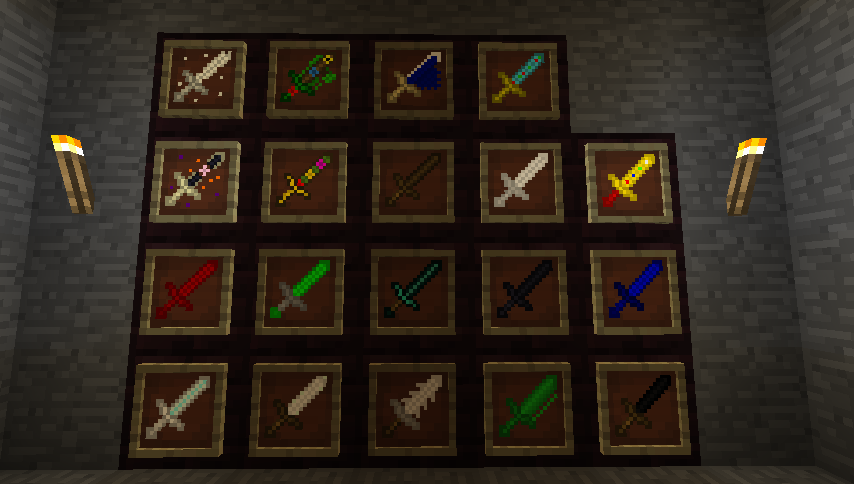
Simply Swords Mod expands melee variety in Minecraft Java Edition. Because releases can differ, this site focuses on a durable method: match your game version and loader, inspect the content in your installed build, and protect saves before updating.
The site organizes the practical questions players ask before and after adding Simply Swords Mod to a profile.
Use version-aware checks to identify the special weapons available in your installed build.
Find recipes through your current profile, then diagnose missing recipes without relying on an outdated screenshot.
Keep Minecraft, the mod loader, dependencies and the mod file on one compatible version path.
Back up worlds, test in a copy and check logs before committing a new file to a long-term save.
Understand why Java mod-loader files are not direct Minecraft PE / Bedrock add-ons.
Use a clean-profile method to isolate crashes, missing items, conflicts and dependency errors.
A disciplined install sequence removes most guesswork and makes errors easier to fix.
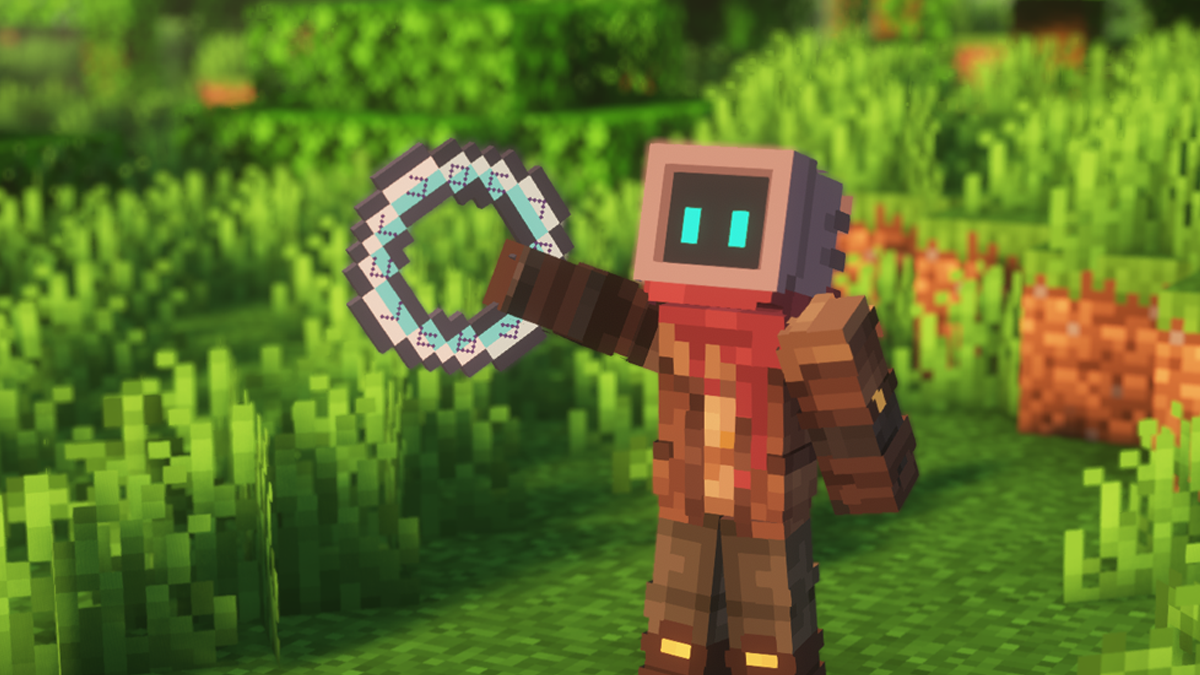
Confirm the Minecraft release number your profile actually uses.
Use a file built for the loader in that profile, including NeoForge only when explicitly supported.
Keep required dependency files on the same game version and loader family.
Launch a disposable profile or copied world, then inspect the log before opening an important world.
Use only a release that explicitly matches 1.21.1 and your loader.
Keep the mod, loader and dependencies aligned to 1.20.1.
Use a NeoForge-targeted build; do not substitute a file for another loader.
Java mod files are not direct Bedrock/mobile add-ons.
Use the setup checklist to prepare a clean profile and verify the correct mods folder.
Check pinned versions and test the change in a duplicated instance before touching the main pack.
Re-check current recipes, unique weapons and loader support instead of assuming an older guide still matches.
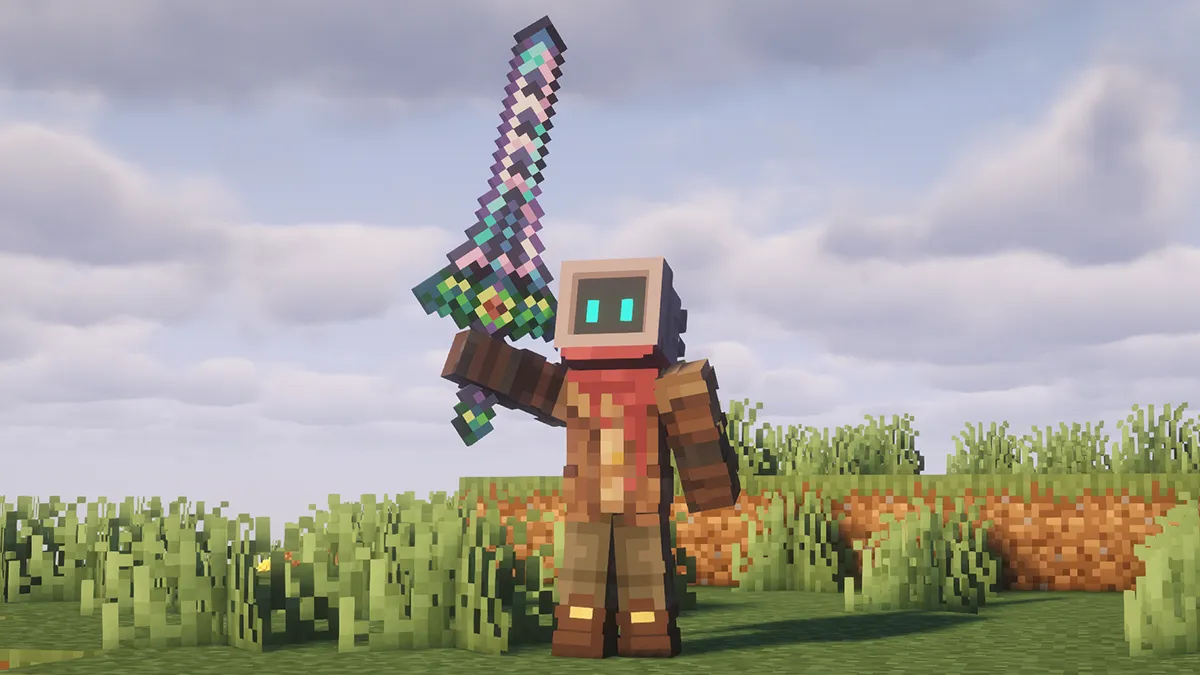
Use the primary file link below, then verify the release’s Minecraft version and mod loader before placing it in your profile.
Download Simply Swords ModUse the exact Minecraft version required by the mod file you plan to install.
Launch the loader profile once before adding content mods so you can confirm the base profile works.
Place matching files in that profile’s mods folder. Multi-instance launchers may use a separate folder per profile.
Check the mod list or log, then create a disposable world before opening an important save.
Java mod files, Bedrock add-ons and third-party reuploads are different things. Verify the edition and file type before installing anything.
A quick balance of the extra weapon variety you gain and the version, dependency and world-safety checks you should keep in mind.
The primary download action is intentionally separated from version assumptions.
Check the file label for your exact Minecraft version, including 1.21.1 or 1.20.1 when relevant.
Use the build intended for your loader. NeoForge, Fabric and other loader builds are not interchangeable.
Match every required dependency to the same game version and loader family.
Back up saves before updating, downgrading or removing content mods.
Open the check that matches what you see, then isolate one variable at a time.
Compare Minecraft, loader, mod and dependency versions, then read the first relevant error in the latest log.
Confirm the file is inside the mods folder for the profile you actually launched and that the loader supports that build.
Check whether your guide matches the installed release and whether a modpack or configuration changes recipes.
Resource packs, shaders and version changes can alter presentation. Compare with visual overrides disabled.
The full Guide / Blog page contains all nine static articles.
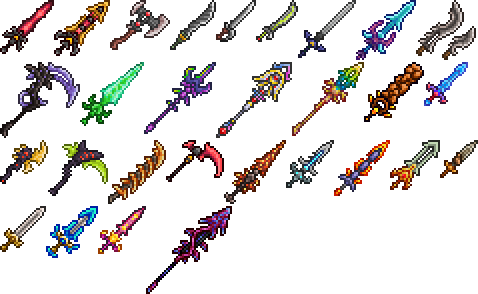
Use a version-aware method to inspect special weapons and compare roles in your installed build.
Read unique weapons guideFind the correct recipe for your profile and troubleshoot missing recipes without outdated assumptions.
Read recipes guide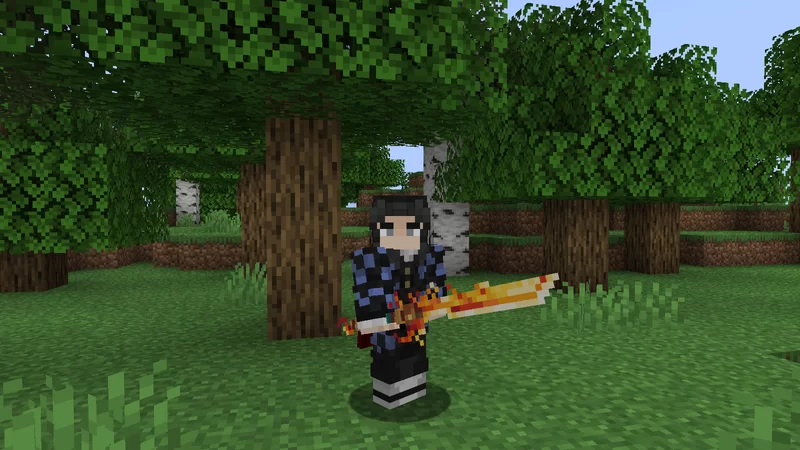
Match the game version, loader and dependencies before the first test launch.
Read 1.21.1 guideChoose a category, then open one question at a time.
Simply Swords Mod is a Minecraft Java Edition weapon-focused mod known for expanding melee weapon variety. This site is an independent guide; always match any downloaded file to your exact Minecraft version and mod loader.
The mod package covered here is intended for Java mod-loader environments. Minecraft PE / Bedrock uses a different add-on system, so a Java mod file cannot simply be placed into a Bedrock installation.
Install the mod loader required by the release you plan to use, place the matching mod file in the game’s mods folder, keep required dependencies alongside it, and launch the matching profile.
Some releases may target NeoForge while others may use another loader. Confirm the loader label on the specific release before installation; loader files are not interchangeable.
Use a release that explicitly lists Minecraft 1.21.1 and the loader you have installed. A file made for a different game version can fail to load or trigger dependency errors.
Yes only when you have a mod build intended for Minecraft 1.20.1 and a compatible loader/dependency set. Do not mix a 1.20.1 game profile with a file built for another version.
For standard Java mod-loader setups, the mod file belongs in the mods folder for the game instance you launch. Multi-instance launchers may use a separate mods folder per profile.
The usual causes are a mismatched loader, wrong Minecraft version, missing dependency, file placed in the wrong instance, or a launcher profile that points to a different game directory.
The server and participating clients generally need compatible game, loader, mod and dependency versions when the mod adds gameplay content. Follow the server owner’s exact modpack requirements.
No. Mod-loader builds are separate targets. Use only the file made for the loader installed in your current profile, along with dependencies for that same loader and game version.
Unique weapons are special weapon entries with distinctive designs or behaviors compared with ordinary melee gear. Exact availability and effects can change between releases, so use the in-game tooltips and recipe viewer for your installed build.
A compatible recipe-viewer mod can expose the recipes available in your exact installed version. You can also check the crafting interface and any in-game documentation provided by the release.
Recipes can change by Minecraft version, loader, mod release or configuration. Treat guides as version-specific and verify against your currently installed build.
Remove the new file to confirm the crash is related, then compare Minecraft, loader and dependency versions. Read the latest log for the first dependency or compatibility error rather than only the final crash line.
Conflicts are possible when mods touch the same systems, items, resources or dependencies. Test suspected conflicts in a copied profile with a minimal mod list and add mods back gradually.
Keep loader and dependencies consistent, avoid duplicate performance mods, reduce resource-heavy visual settings if needed, and test whether the issue remains in a smaller profile before changing many settings at once.
Back up the world and configuration before changing mod versions. Read the release notes for the build you are moving to and avoid downgrading a world after it has loaded content from a newer release.
Items, entities or data provided by the mod can disappear or become invalid. Make a backup first and test removal on a copy of the world, especially if the mod content is stored in inventories or placed in the world.
Visuals can vary with mod version, resource packs, shaders, rendering settings and companion mods. Compare using the same release and disable visual overrides temporarily if you are troubleshooting.
Back up the instance, confirm the target Minecraft version and loader, update dependencies when required, replace only the matching mod file, then launch and check the log before opening an important world.